Have you ever logged into LinkedIn and found your profile just... gone? No posts. No access. No warning.
That is LinkedIn jail. And I have been there myself, twice.
One morning I woke up to find my entire account locked. No explanation. Just a message saying my account had been restricted.
Why it happens
It turns out LinkedIn has hidden limits. Things like how many DMs, connection requests and messages you send each day. Cross them and you risk a full lockout.
Which left me two choices. Panic, or work out how to get it back fast. In less than 48 hours, I did.
What the recovery actually involves
In the video I walk through the whole thing step by step:
- Diagnose what triggered the restriction. Log in from a desktop rather than mobile, screenshot every error, and look for recent spikes in connection requests or messages sent.
- File the appeal. I show you the exact template that works. Submit it once, and expect a reply within 24 to 48 hours.
- Rebuild safely. Limit your activity for the first week back, spread messages through the day rather than in bursts, and treat it like rebuilding fitness after an injury.
- Back up your contacts so a lockout can never cost you your network again. Settings, then Data Privacy, then Get a copy of your data, then Connections only.
Your relationships are the asset, not the platform. Treat your account like mission-critical infrastructure, because that is what it is.
The deeper point is that anything you build entirely on rented land can be switched off without notice. Which is the argument for owning your own visibility rather than borrowing it.
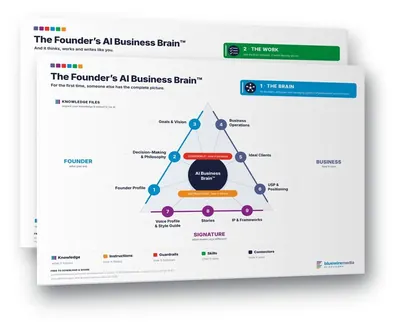
Want it to sound like you? The Founder's AI Business Brain template is how you get what's in your head into something that thinks, writes and works like you. Free to download.